

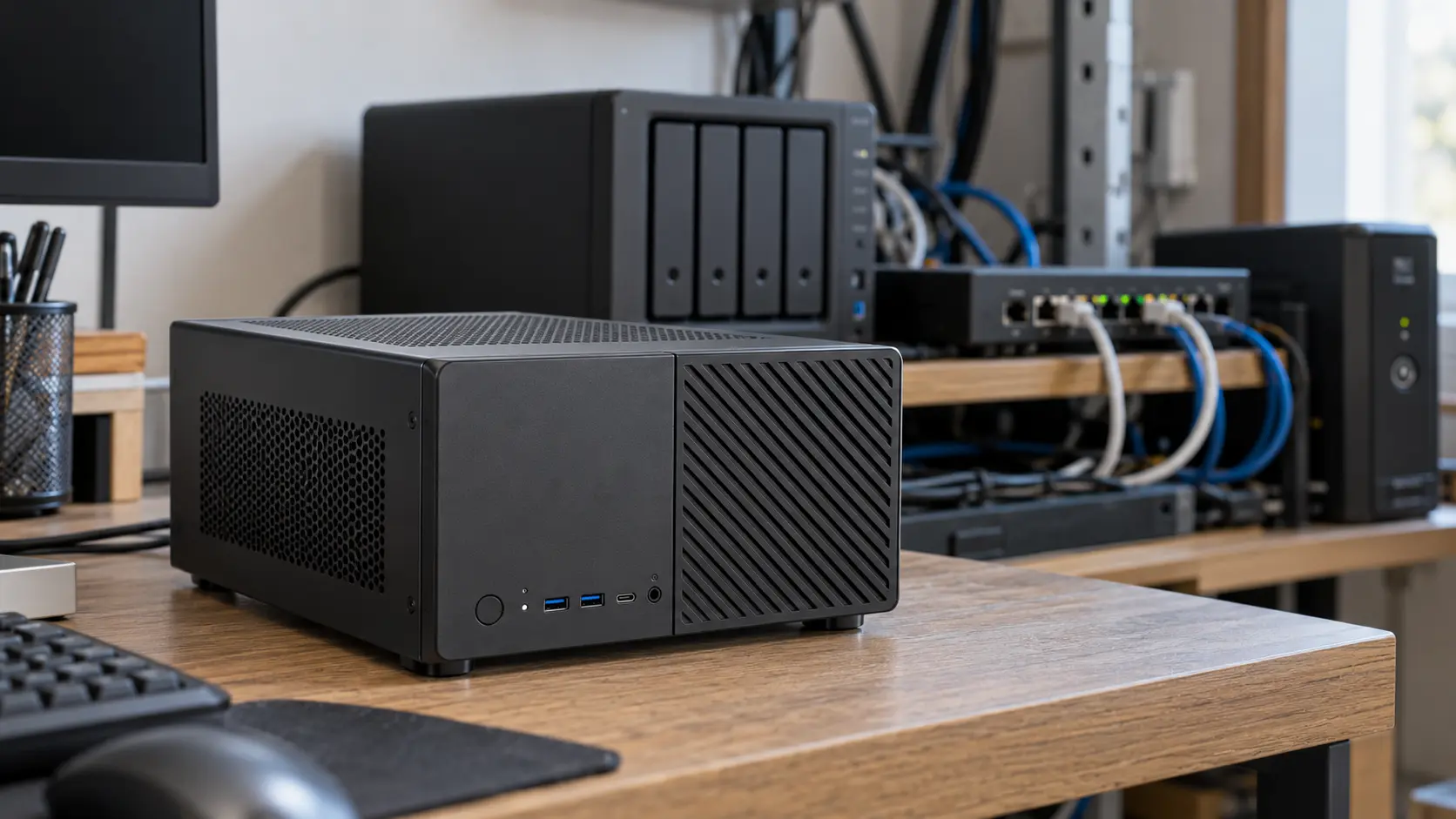
Mini PCs have become an appealing option for building a homelab without taking up much space or keeping a full-size desktop computer running around the clock.
The processor matters, but it is not the only factor to consider before buying. For Proxmox virtualization, Docker containers, or small internal services, the maximum supported RAM capacity can be even more important.
Check whether the memory and storage can be replaced. Some budget devices use soldered RAM or have only one storage slot, while others support multiple NVMe SSDs or SATA drives.
Network connectivity deserves particular attention. A Gigabit port may be enough to get started, but 2.5 GbE is attractive if you plan to use the device as a NAS, firewall, or server for several devices.
Power consumption is another important consideration. One of the main advantages of these devices is that they can run services continuously while using considerably less energy than a conventional desktop PC.
For your first homelab, you do not necessarily need the most powerful mini PC. An upgradeable, quiet device with good networking options often offers better long-term value than one with impressive specifications but little flexibility.


Leave a Reply
You must be logged in to post a comment.